
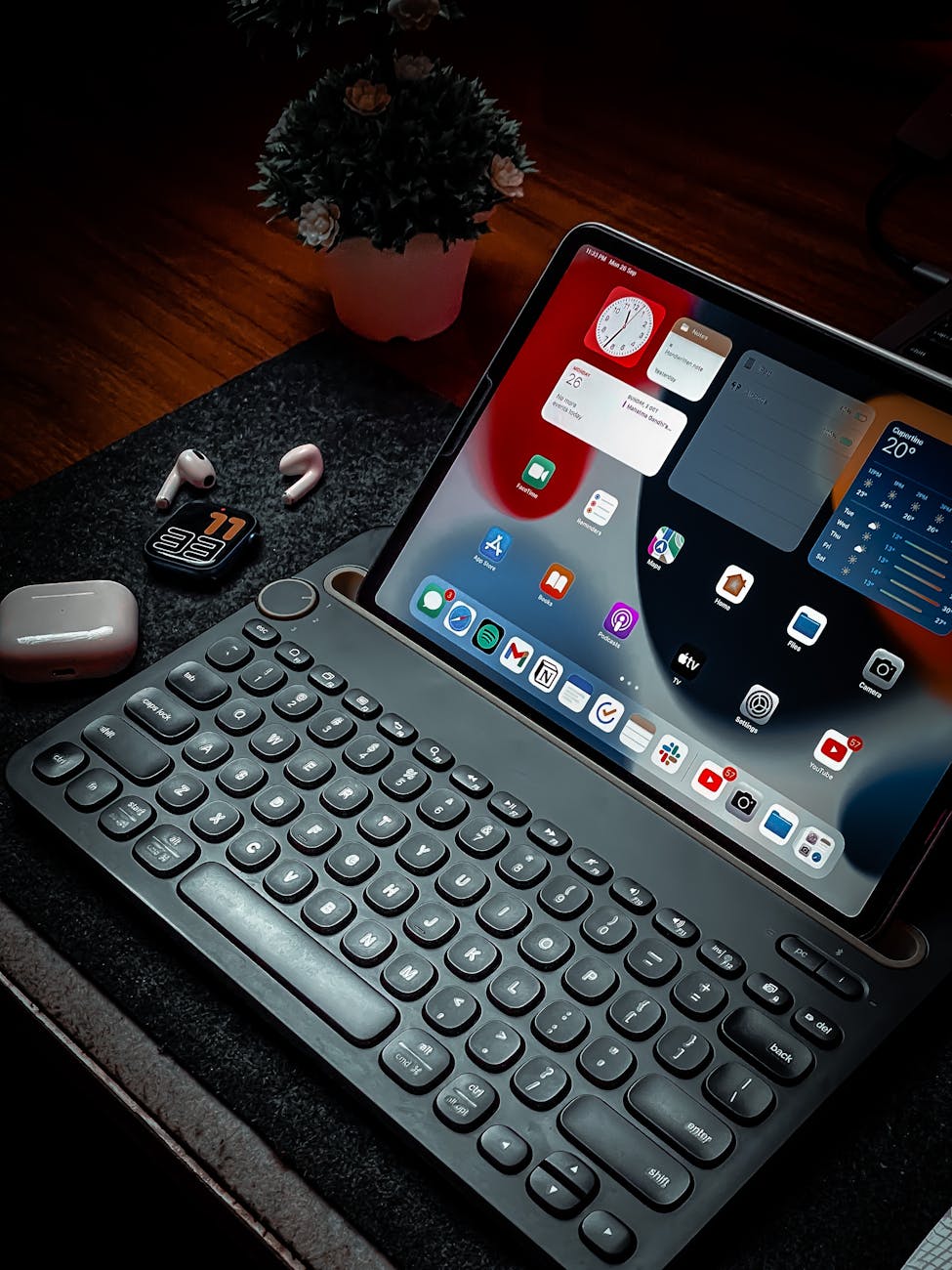
I’ve reviewed over 50 apps this year and these are my top five. As a tech writer, I spend my days testing, evaluating, and comparing the latest digital tools. Everything from productivity apps to fitness trackers, finance tools to creative platforms—my phone and laptop are constantly being filled with new downloads. After a whirlwind year of testing, I’ve narrowed down the five apps that have not only impressed me but have genuinely improved my daily workflow, health, and overall digital experience.
Below, I’m sharing my top five app picks from 2023. These aren’t just the flashiest or most popular apps—they’re the ones that have proven their value through consistent performance, thoughtful design, and real-world usability.
1. Notion: The All-in-One Workspace That Actually Works
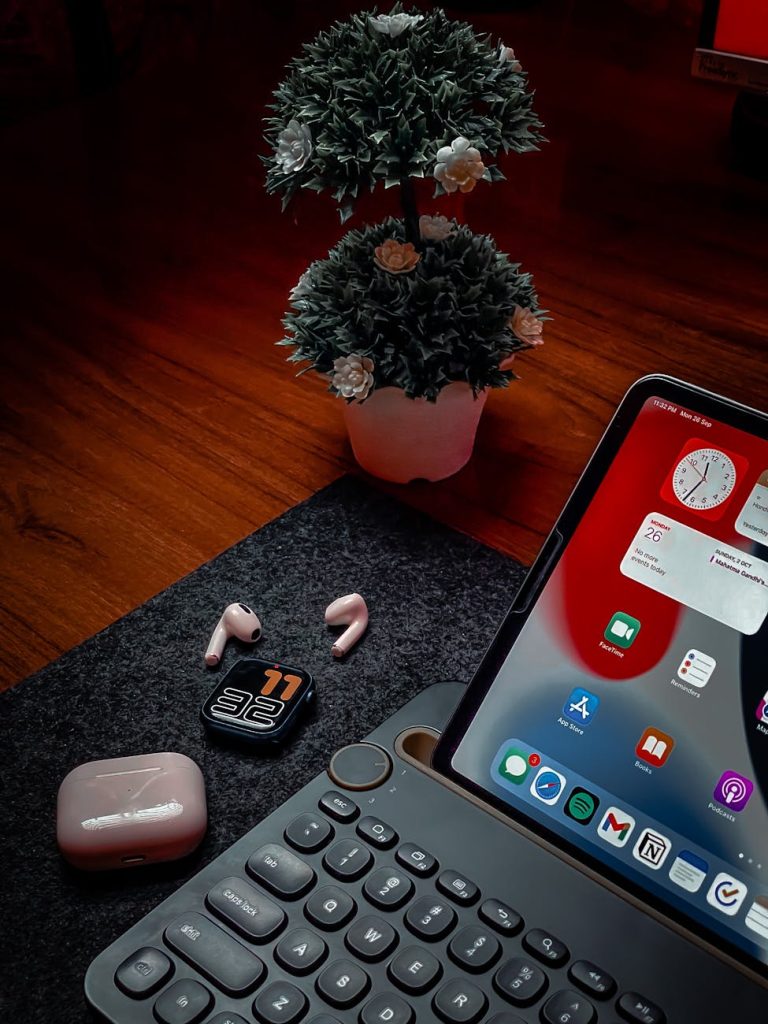
When it comes to productivity apps, Notion continues to dominate my list. I’ve tried countless tools in this category—Evernote, Todoist, Trello, and others—but Notion stands out for its flexibility and depth. It’s a workspace that adapts to you, not the other way around.
I use Notion for everything: project planning, note-taking, habit tracking, and even as a personal CRM. The ability to create custom databases, embed files, and link pages makes it incredibly powerful. Whether you’re a student, a freelancer, or part of a team, Notion can be tailored to fit your specific needs.
What makes Notion exceptional is its balance of simplicity and complexity. New users can start with basic templates, while power users can build intricate workflows. The ongoing updates also keep the app fresh and relevant, with new features like AI-powered text generation and enhanced collaboration tools.
2. Forest: Focus Management with a Purpose
In a world full of distractions, staying focused is a challenge. Forest has become my go-to app for maintaining concentration during work sessions. It gamifies focus by planting a virtual tree when you stay off your phone. If you exit the app, your tree dies.
It sounds simple, but it’s surprisingly effective. I’ve found myself more committed to staying focused, not because of the productivity gains, but because I don’t want to kill a digital tree. The app also partners with real-world tree-planting organizations, so your focus time can contribute to actual environmental impact.
Forest is especially useful during deep work sessions or when I need to break the habit of constant phone checking. The visual progress bar and the sound of rustling leaves create a calming atmosphere that enhances concentration.
3. Daylio: Mood Tracking Made Simple
Mental health is just as important as physical health, and Daylio has been a game-changer in helping me track my emotional well-being. This mood-tracking app allows you to log your daily mood with just a few taps and optionally add activities or notes.
I appreciate how non-intrusive it is. You don’t need to write long journal entries—just select your mood and a few activities from a list. Over time, the app generates insights and patterns, helping you identify what affects your mood positively or negatively.
The data visualization is clean and intuitive, making it easy to spot trends. For example, I noticed that days when I exercised and spent time outdoors correlated with higher mood ratings. This insight encouraged me to prioritize those activities more consistently.
4. Loom: Communication Beyond Text
As remote work becomes more common, efficient communication tools are essential. Loom has revolutionized how I share feedback, explain complex ideas, and collaborate with colleagues. Instead of writing long emails or scheduling meetings, I can record a quick video message with screen sharing.
This app is particularly useful for detailed feedback on documents, design mockups, or code reviews. Seeing someone’s face and hearing their tone adds clarity and empathy that text often lacks. It also saves time—no more back-and-forth emails trying to explain a simple concept.
Loom integrates seamlessly with tools like Slack, Google Drive, and Notion, making it easy to incorporate into existing workflows. The analytics feature, which shows how many times a video has been watched and by whom, adds an extra layer of accountability and engagement.
5. MyFitnessPal: Nutrition Tracking That Sticks
While there are many fitness apps available, MyFitnessPal remains the gold standard for nutrition tracking. I’ve used it to monitor my eating habits, set fitness goals, and understand my relationship with food better.
The app’s database of foods is extensive, making it easy to log meals, whether you’re eating home-cooked food or dining out. The barcode scanner is a lifesaver for packaged foods. The integration with other fitness apps and devices, like Apple Health and Fitbit, ensures all your data is in one place.
What I appreciate most is its non-judgmental approach. It doesn’t shame you for indulging—it simply provides information. Over time, this has helped me make more informed choices without feeling restricted.
Final Thoughts
These five apps have earned their place on my home screen and in my daily routine. They each serve a different purpose, but they share common traits: intuitive design, reliable performance, and a genuine ability to improve my life.
Technology should enhance our lives, not complicate them. The best apps are those that work seamlessly in the background, helping us achieve our goals with minimal friction. Whether you’re looking to boost productivity, improve focus, track your mood, communicate more effectively, or eat healthier, these apps are worth exploring.
Of course, what works for me might not work for you. The key is to experiment, find tools that align with your goals, and be willing to adapt as your needs change. The digital landscape is always evolving, and I look forward to discovering more great apps in the year ahead.

Comments are closed.